
IUX Terminal
Biểu đồ với 9 khung thời gian, DOM trực tiếp, khớp lệnh một chạm, lệnh bracket và P&L thời gian thực — trong trình duyệt hoặc dưới dạng ứng dụng máy tính để bàn.
- Độ sâu thị trường trực tiếp với thang sổ lệnh
- Giao dịch một cú nhấp chuột với giới hạn trượt giá
- Lệnh trong khung OCO, lệnh dừng động, đóng lệnh một phần
- Bố cục đa biểu đồ, không gian làm việc đã lưu
- Nguồn cấp WebSocket thời gian thực — không cần thăm dò
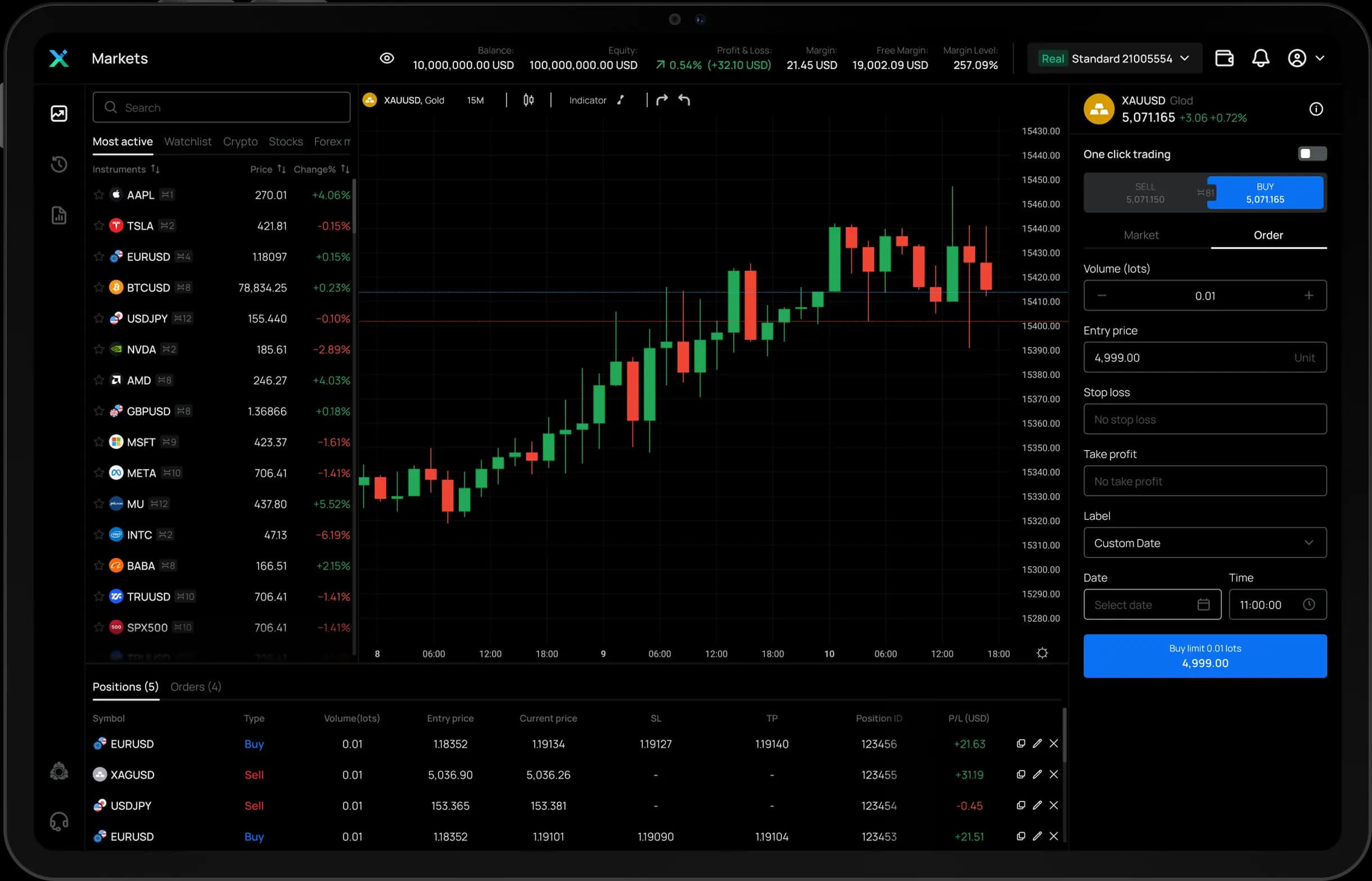
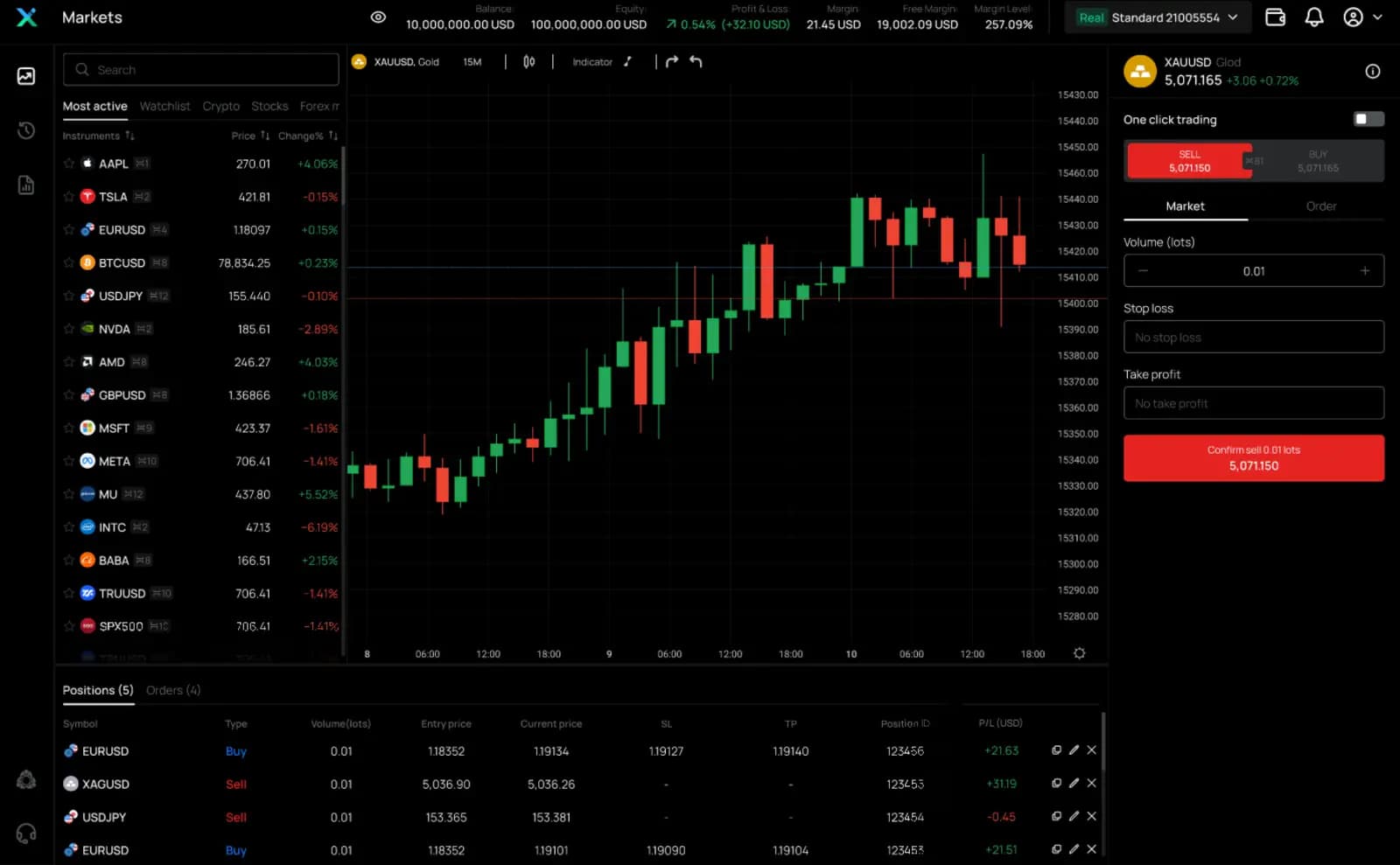
Không gian làm việc trực tiếp
Xem mọi thị trường trong một không gian
Danh sách thị trường trực tiếp, biểu đồ, tài khoản và phiếu lệnh cùng trên một màn hình máy tính.
Khám phá quy trình WebTrade
Xem trước Không gian làm việc trực tiếp: Xem mọi thị trường trong một không gian
Real screens
Not renders. Recordings.
Every frame below is captured from the live product — the desktop terminal, the iOS app and the web terminal, running against real market data.
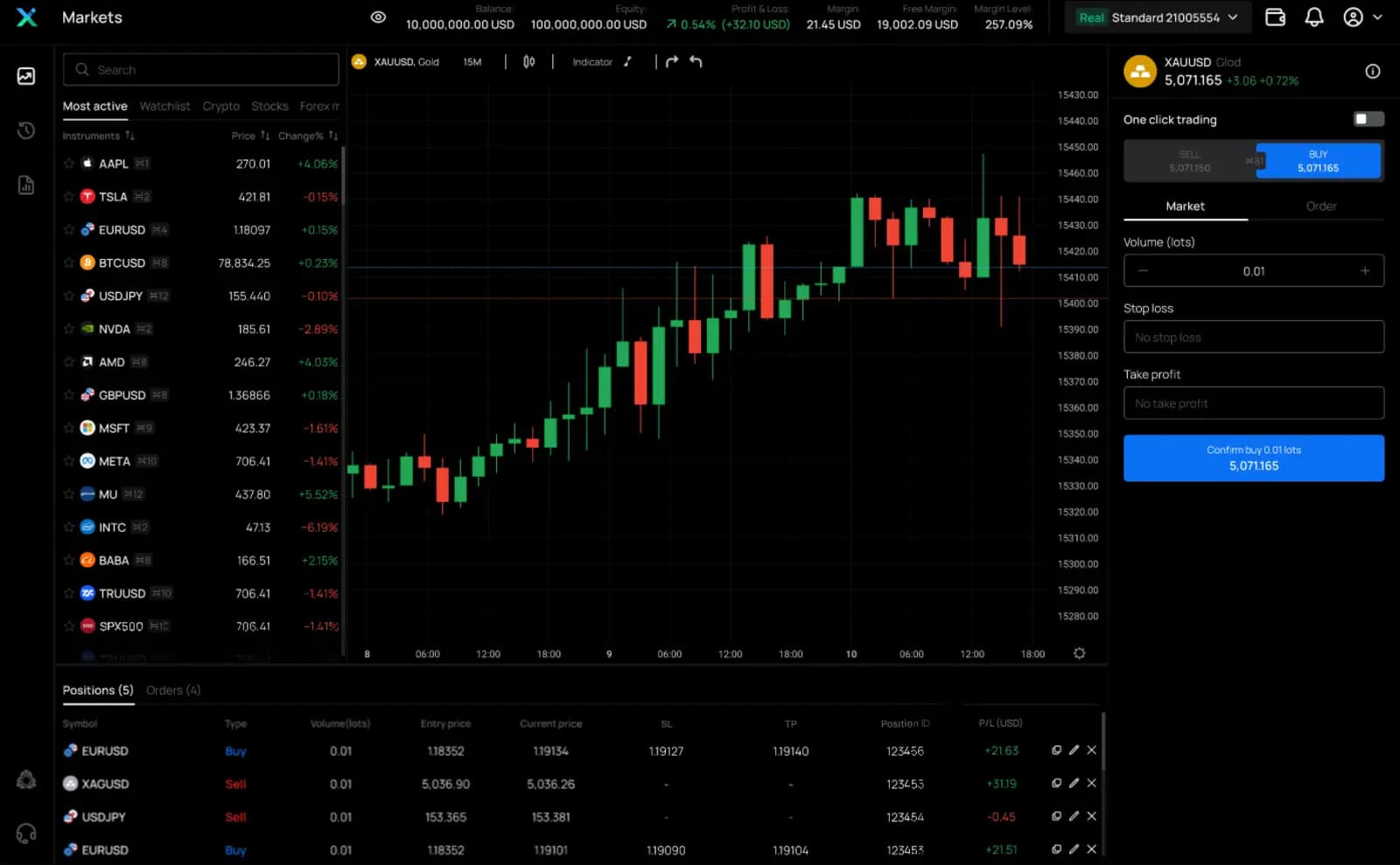
Web terminal — buy ticket
Market and pending orders with volume, stops and live pricing
Side by side
Four ways in. One account behind all of them.
Every platform connects to the same account, the same pricing and the same positions — switch screens without switching anything else.
Swipe across to compare platforms →
| Capability | IUX TerminalFLAGSHIP | IUX App | Web terminal | MT5 |
|---|---|---|---|---|
| Where it runs | Desktop app | iOS · Android | Any browser | Desktop · mobile · web |
| Live depth of market (DOM) | — | |||
| One-click trading | One-tap ticket | |||
| OCO brackets & trailing stops | Stop/limit orders | |||
| Multi-chart layouts | — | |||
| Realtime streaming feed | ||||
| Price alerts | — | |||
| Biometric login | — | — | — | |
| Expert Advisors (EAs) | — | — | — | |
| Custom indicators / MQL5 | — | — | — | |
| Install required | Optional | App stores | — | Optional |
Feature availability can vary by version and account type. MT5 is a MetaQuotes product; its capabilities follow the official MT5 release.
Máy tính để bàn, điện thoại hoặc trình duyệt.
Cùng một tài khoản trên mọi màn hình.



Platform questions, answered
Which platform should I start with?+
Most traders start with the IUX App for market watching and the web terminal for full order control — both need no install. If you run multiple charts and want the DOM ladder, use IUX Terminal on desktop. If you already master MT5 or need Expert Advisors, connect your account to MT5.
Is my account shared across all platforms?+
Yes. One IUX account works on the Terminal, the App, the web terminal and MT5. Balance, open positions and history stay in sync because every platform connects to the same trading infrastructure.
Do I need to download anything?+
No. The web terminal runs in any modern browser. The desktop Terminal and the mobile App are optional installs for traders who want a dedicated workspace, and MT5 is available as desktop, mobile and web versions.
Can I use Expert Advisors (EAs)?+
Expert Advisors and custom MQL5 indicators run on MetaTrader 5. Every IUX account type — Standard, Raw and Pro — can be used with MT5, connected to the same pricing as the IUX platforms.
Can I try the platforms before funding?+
Yes — open a free demo account and practice with virtual funds on any platform before trading live. Standard accounts start from a $30 minimum deposit when you are ready.